Introducing FastDraft Work Orders
FastDraft is designed to accelerate your photogrammetry workflows by providing a direct connection to professional 2D and 3D drafting services. This tool allows users to request specific linework within your project, offering a precise, managed solution for areas that need exact detailing.
Visit our Frequently Asked Questions Page to answer any questions you may have regarding FastDraft.
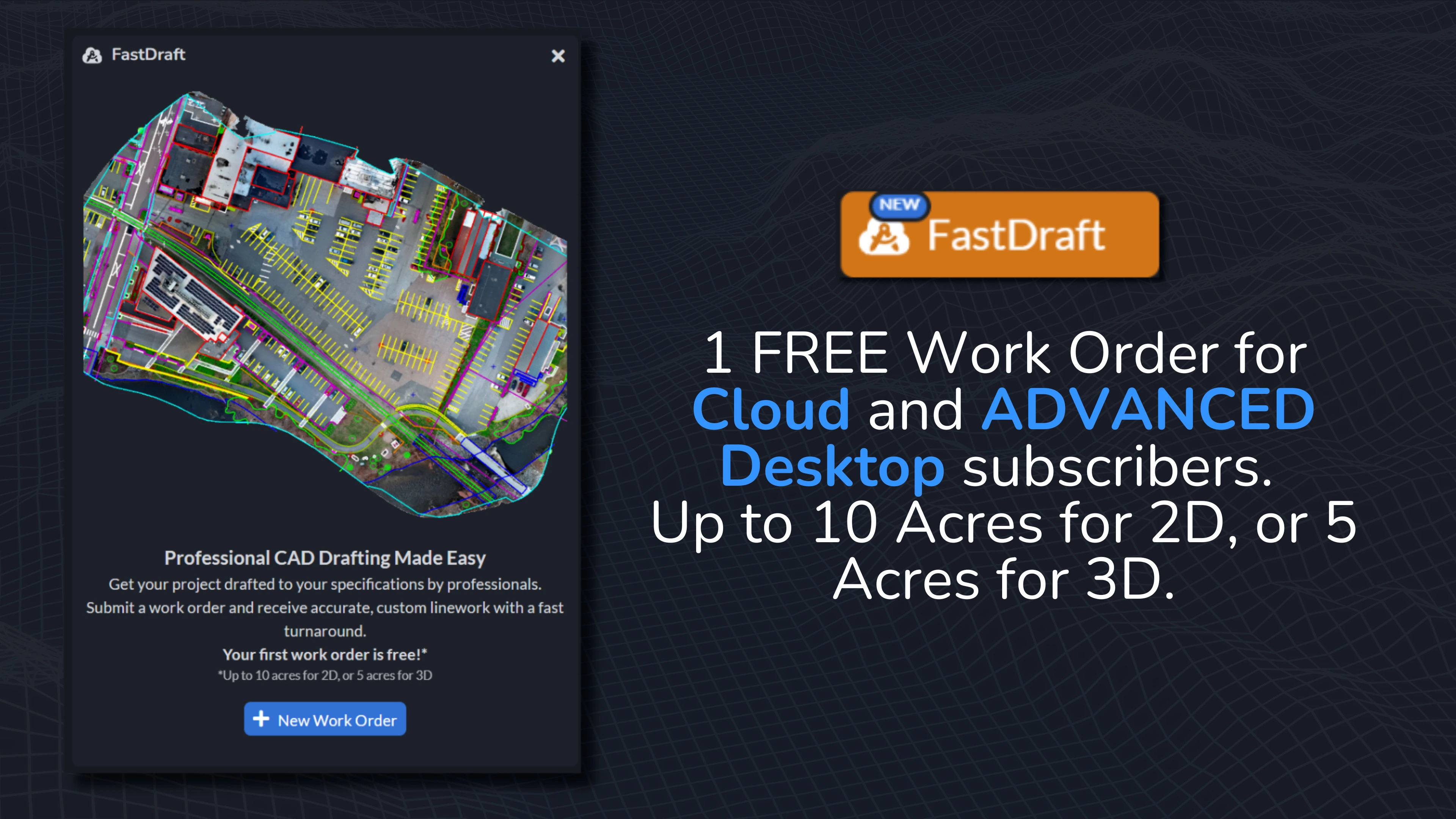
FastDraft is part of a premium service available to Cloud users and Desktop ADVANCED users, providing professional linework precisely tailored to your project’s needs. Your first order is FREE, giving you the change to evaluate the quality before committing.
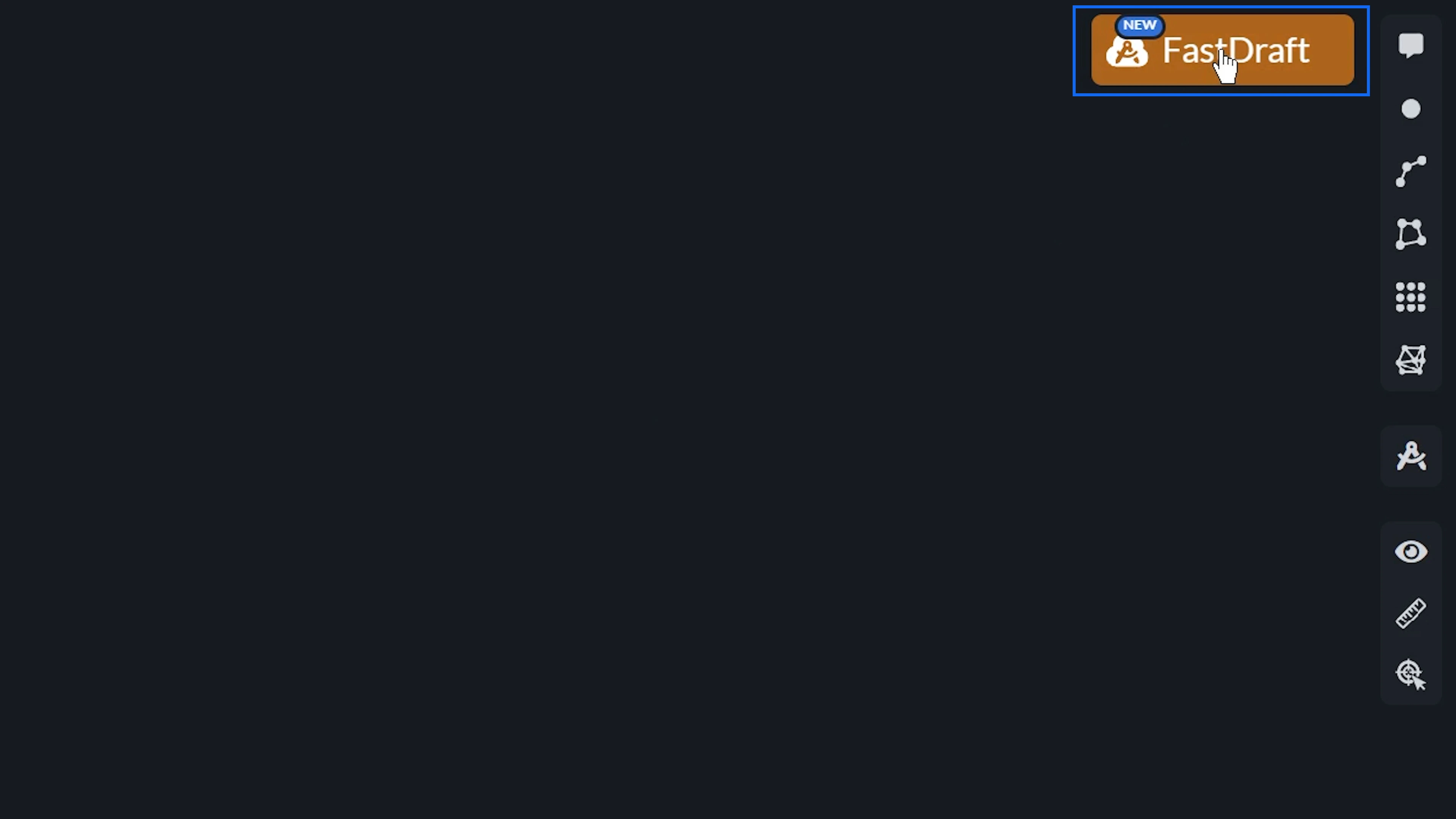
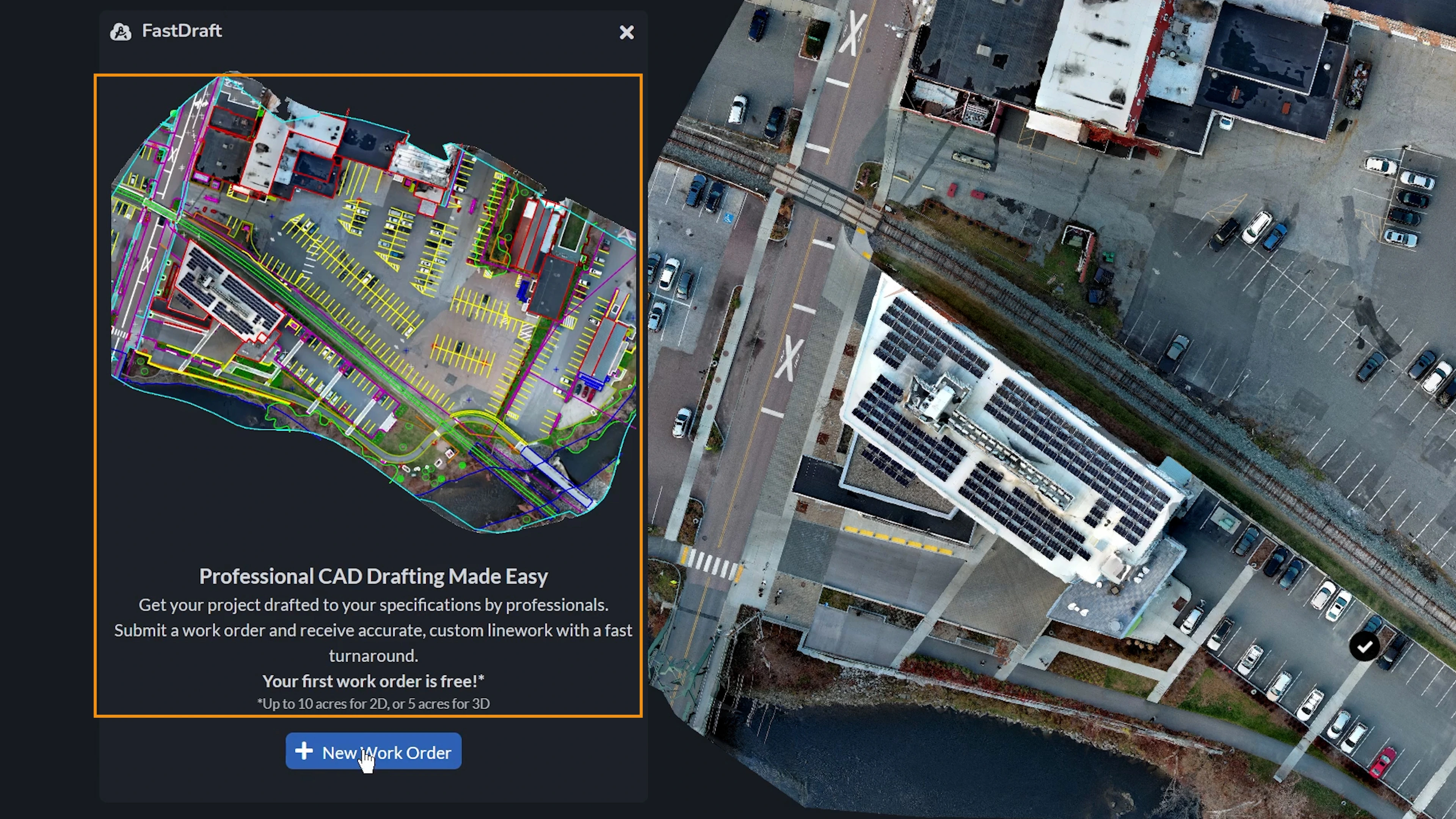
To use FastDraft, press the button up on the right hand corner of the Canvas. If you have previously created order requests, a list of your previous requests will appear here. On the bottom, you can select to create a New Work Order.
First, click Select Area to draw a polygon around the area of your project you would like to request drafting for.
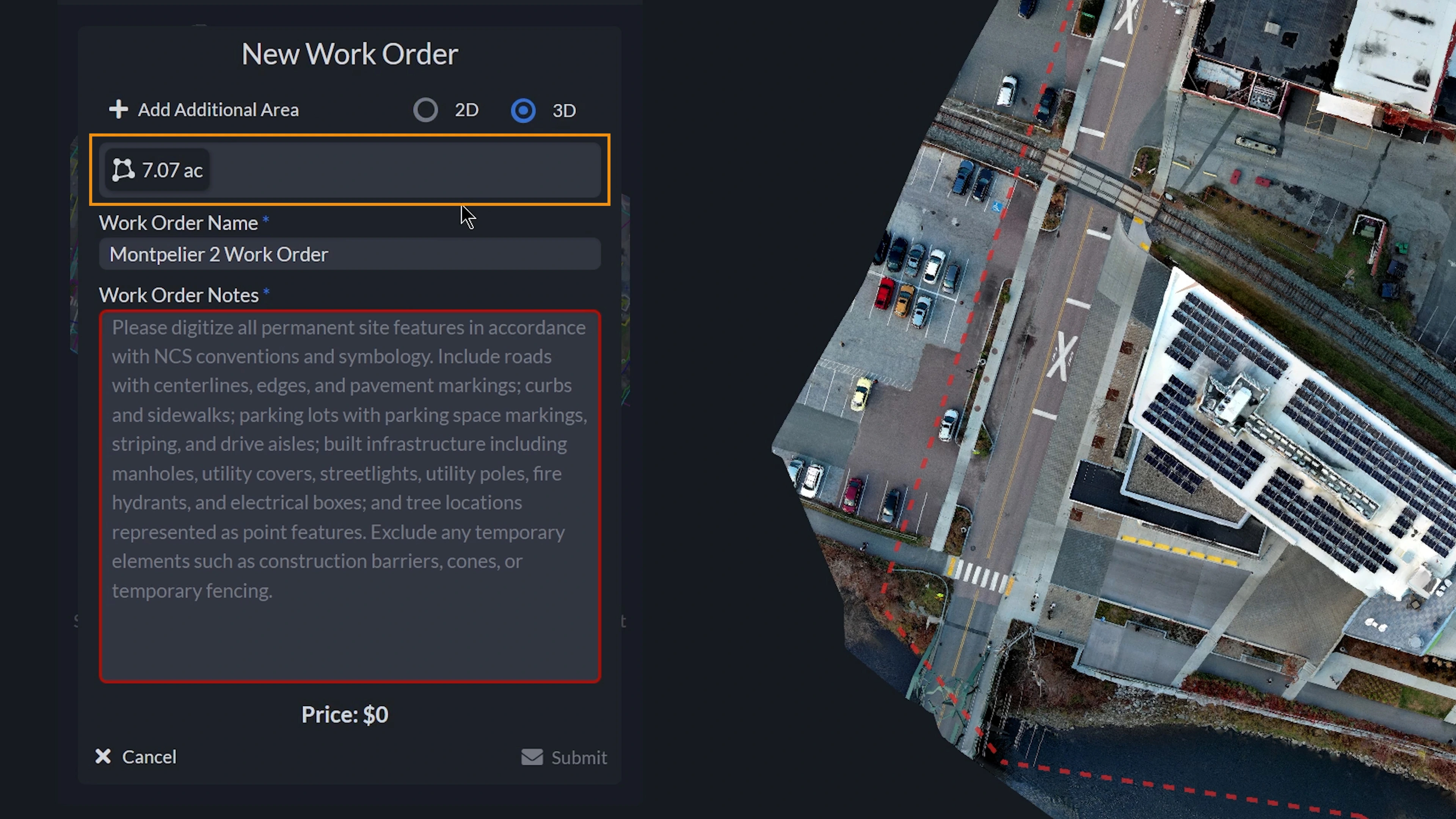
When completed, right click on your mouse, or hit the Finish button in the menu to finalize your polygon. Your polygon will then display on the Canvas with a red dotted line perimeter with its respective title in the center.
If you need to add more areas to your request, you can add an additional area by clicking Add Additional Area, and drawing your polygon.
You are then able to select whether you would like your Work Order completed in 2D or 3D. When being completed in 2D, the drafter will use the Orthomosaic of your project to complete the linework. If completed in 3D, the dense point cloud will be used.
Upon finalizing each polygon, their respective areas and total area requested will be displayed in acres or hectares, depending on which unit of measure your project was started in.
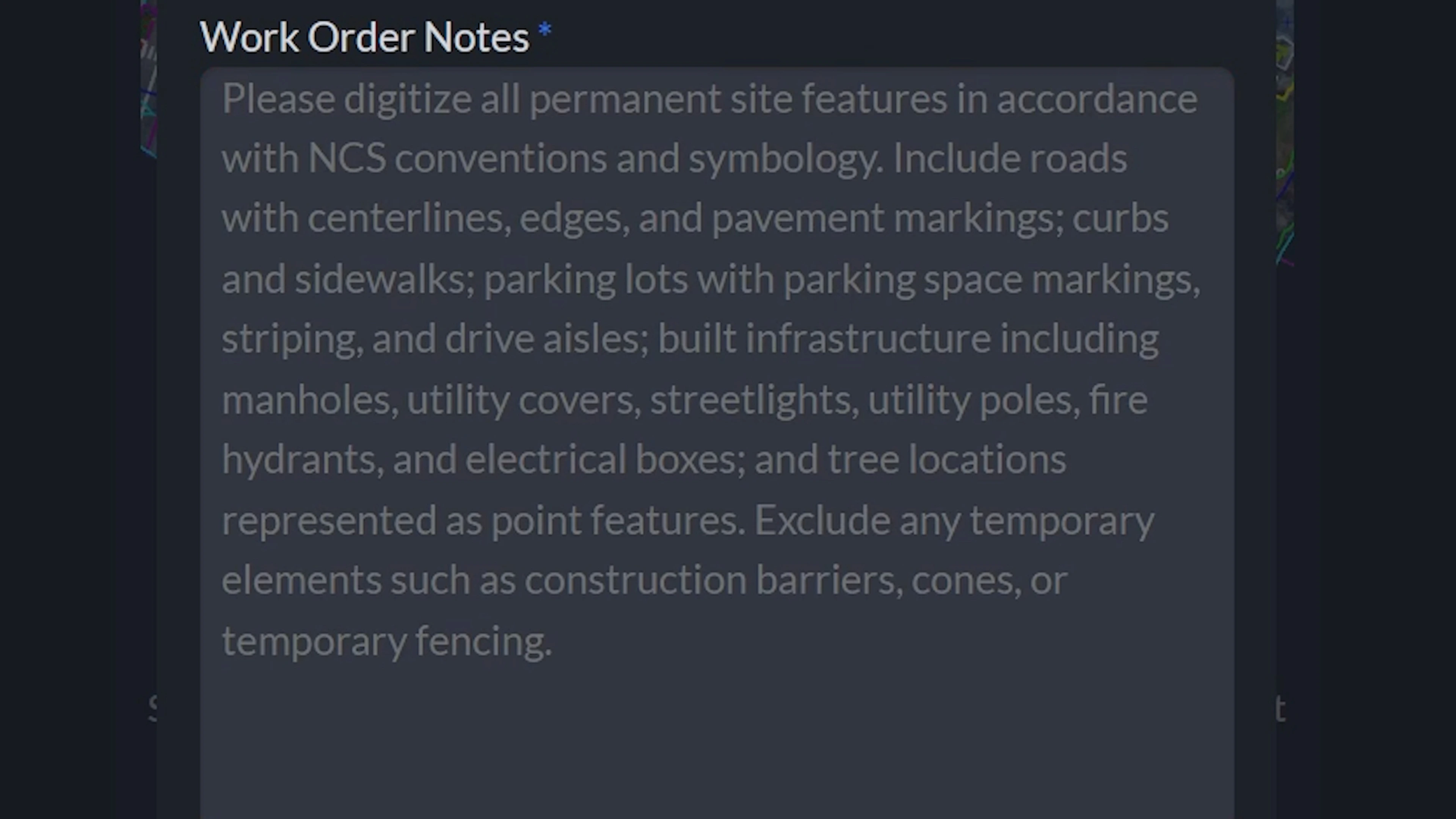
You are able to rename your Work Order, as well as any notes or comments you would like to provide. When providing the Work Order notes, please provide a text description of what types of features need to be digitized, and what output formats you would like provided to you. The price for your order is then displayed at the bottom.
Please see an example of a Work Order’s notes visible in the FastDraft Work Order form below.
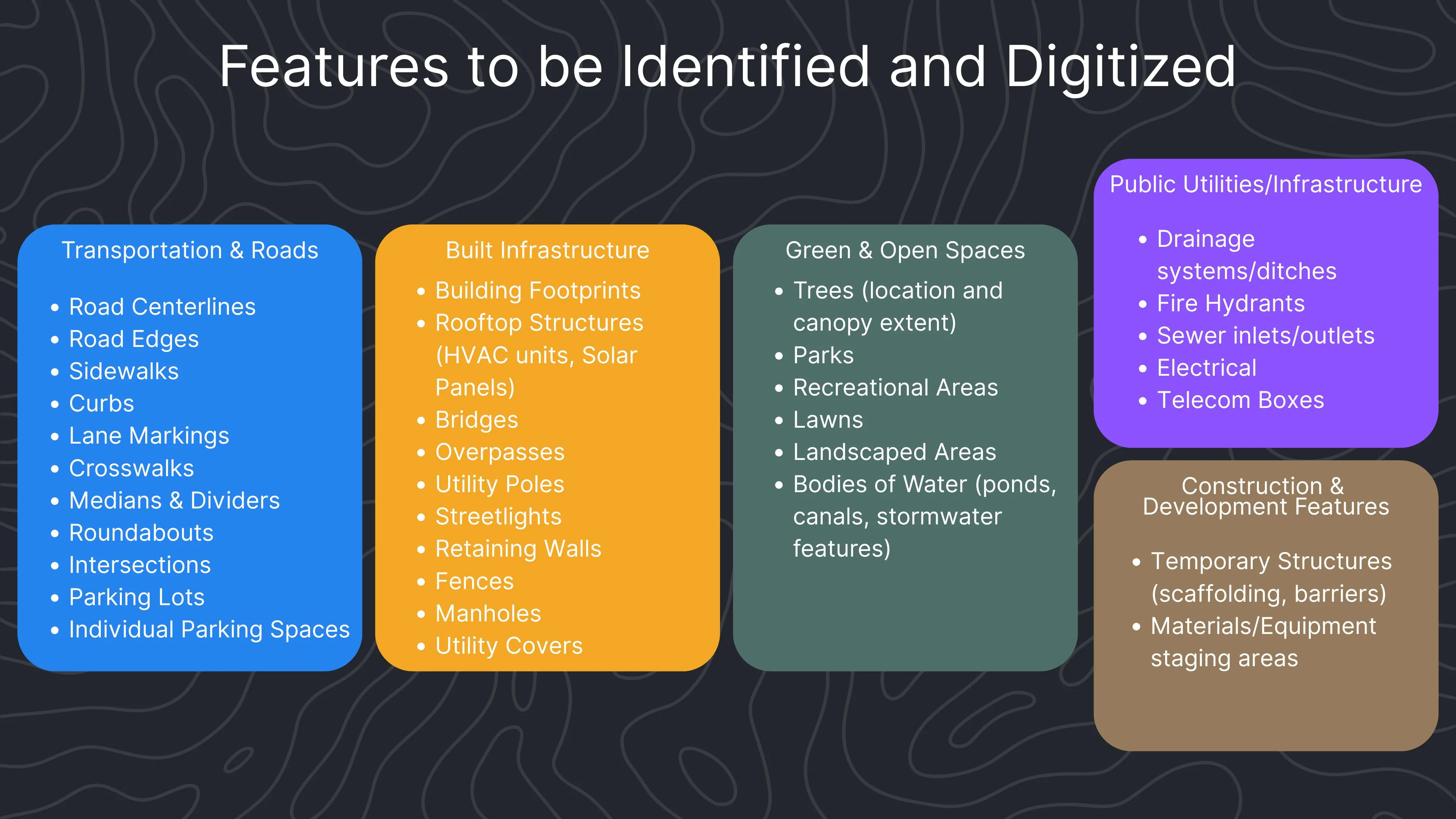
Here is a list of common features that can be identified and digitized with linework. Depending on the project, this could include transportation elements like road centerlines, sidewalks, or parking lots, as well as built infrastructure such as building footprints, utility poles, or retaining walls. We can also capture natural and open-space features like trees, landscaped areas, or water bodies, and extend that to public utilities and temporary construction elements.
By specifying which of these features you would like included in your work order, the final deliverables can be tailored to your exact needs.
Submitting and Receiving your Order
Upon submitting your order, a payment window will appear for credit card payment. Remember, your first work order is FREE as long as it fits the specifications listed earlier.
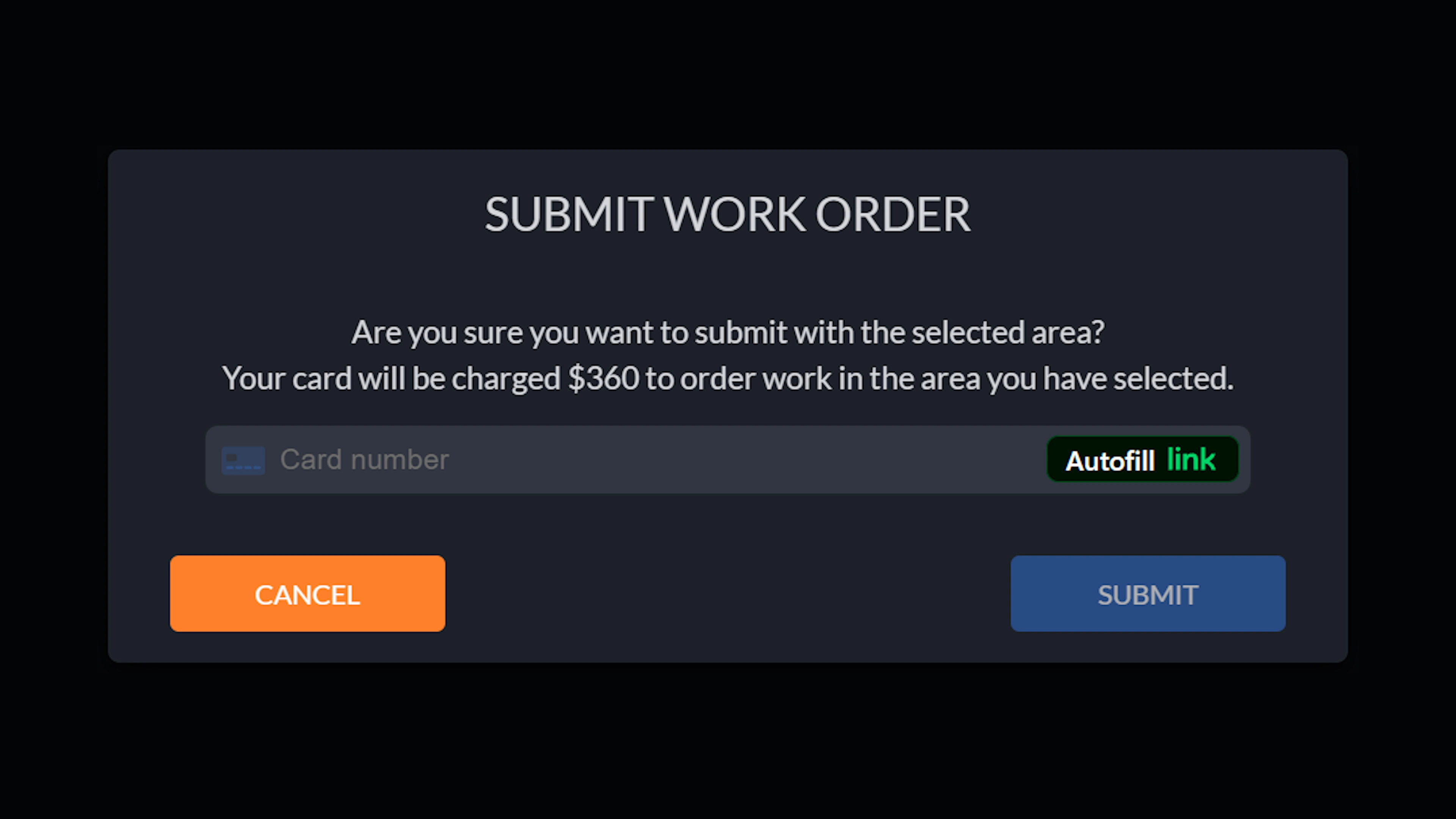
Once you submit your order and we have received and processed your project, you will receive an email and an in-app notification that your Work Order has been completed. Processing your project will take approximately 1-2 business days.
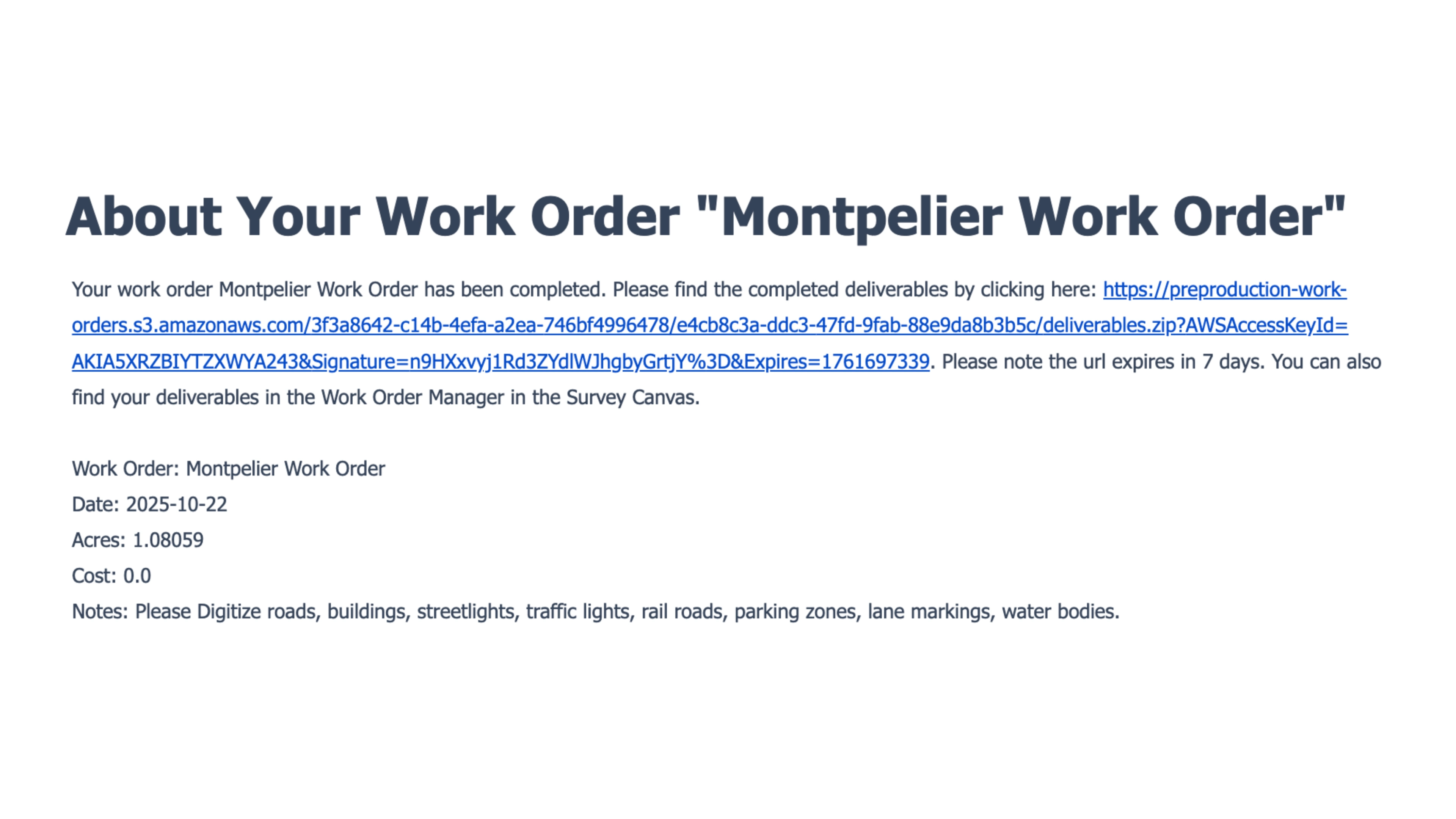
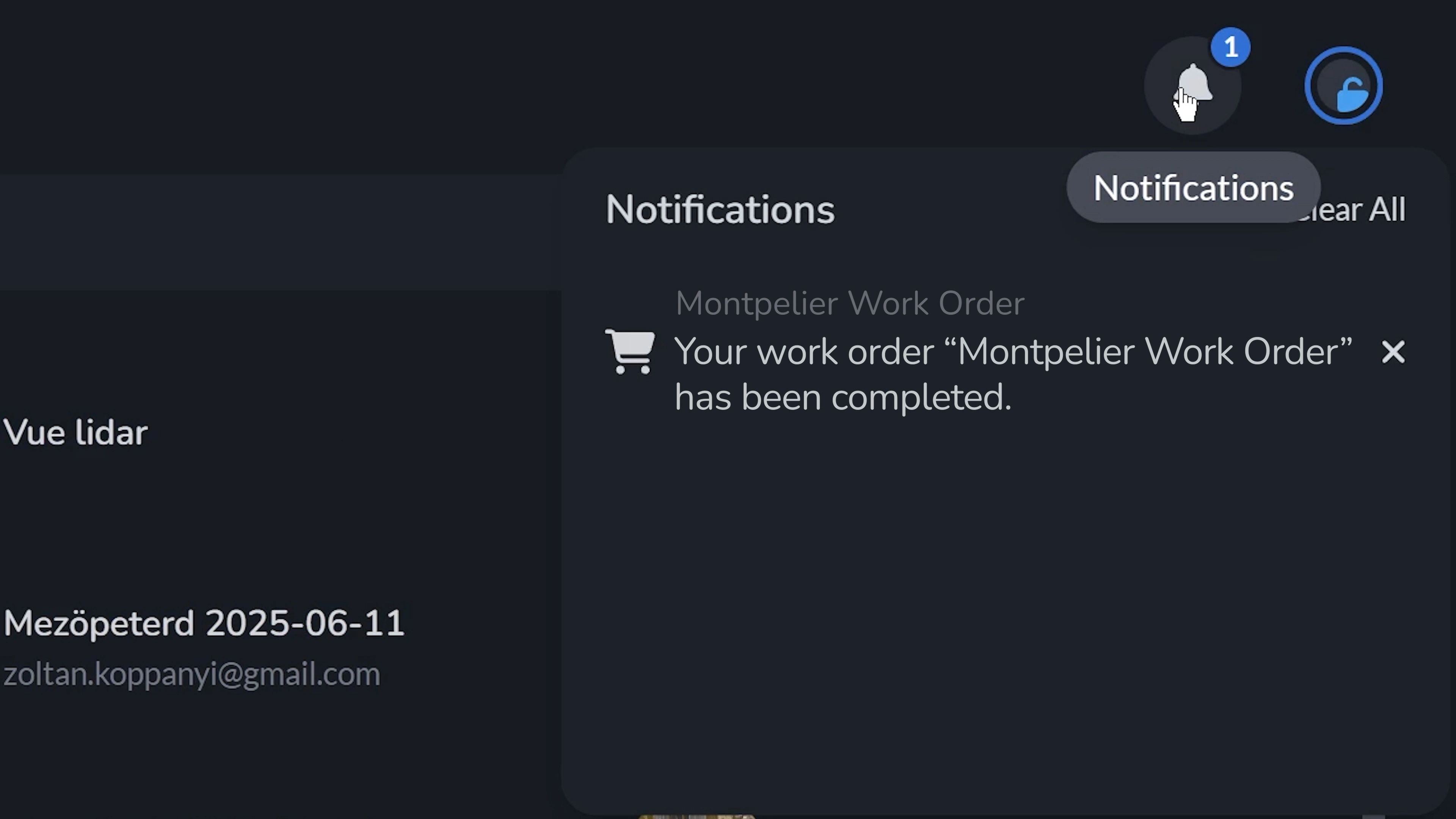
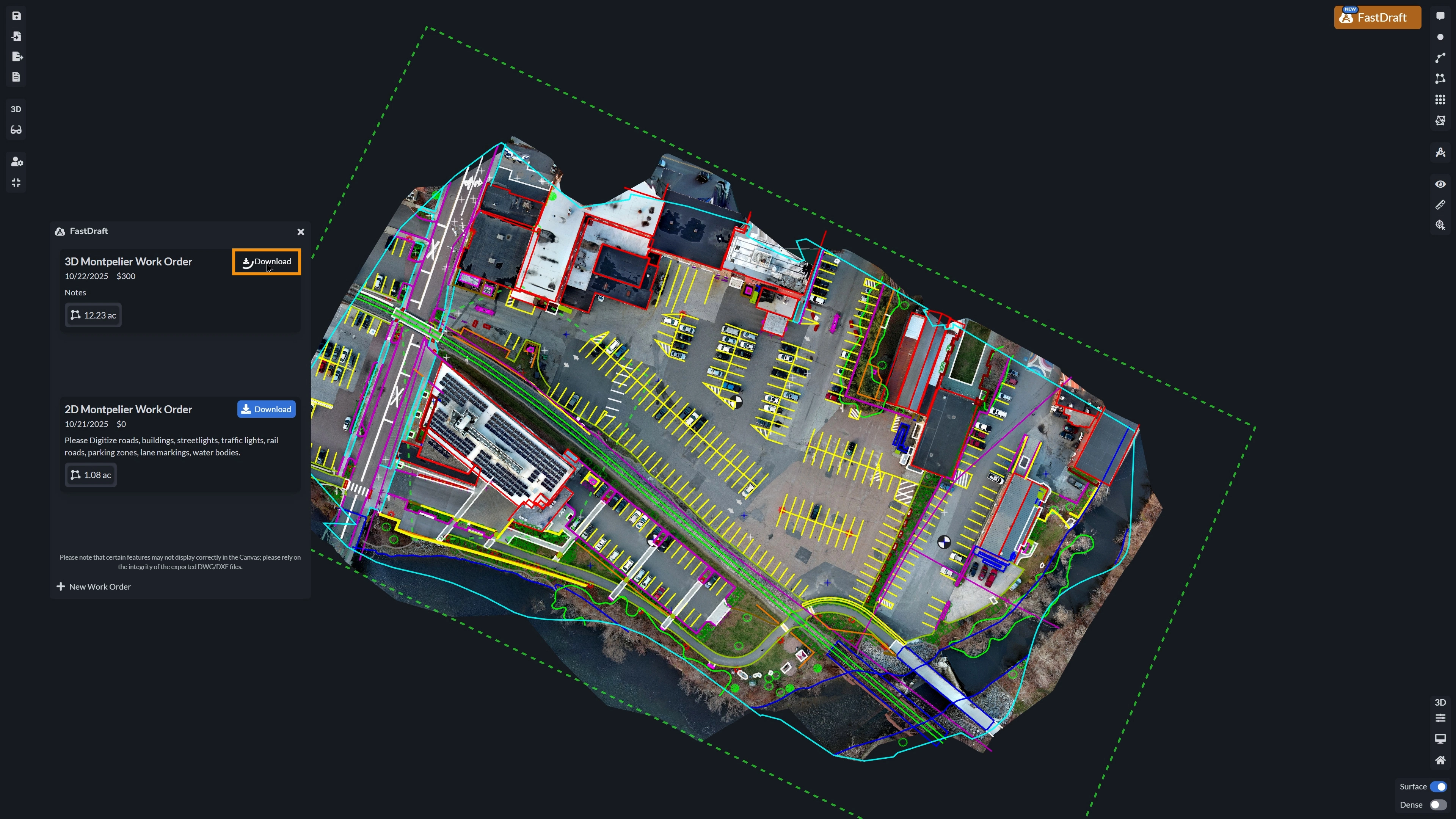
Navigate to your project and the FastDraft menu in the Canvas. Here you will find your completed Work Order, where you can download the ZIP files with your deliverables.
The DXF deliverable has now been imported into the Canvas tab, where all vector features remain fully dynamic and editable. Each line, point, and polygon can be modified, measured, or annotated directly within the workspace.
Wrapping Up
FastDraft is a valuable tool for industries that demand precision, like mining, surveying, and construction. Users can draw polygons over project areas to define boundaries, mark excavation zones, and set safety parameters. These digitized vector layers (e.g., DXF and DWG) can include points, lines, and polygons for use in downstream analysis, eliminating the need for manual field notes. Whether planning site layouts, tracking progress, or isolating features for analysis, this tool improves accuracy and team collaboration.
Our goal is to provide you with linework that integrates smoothly into your project’s workflow and adds a high degree of precision to your aerial models, saving you time and eliminating inaccuracies.
