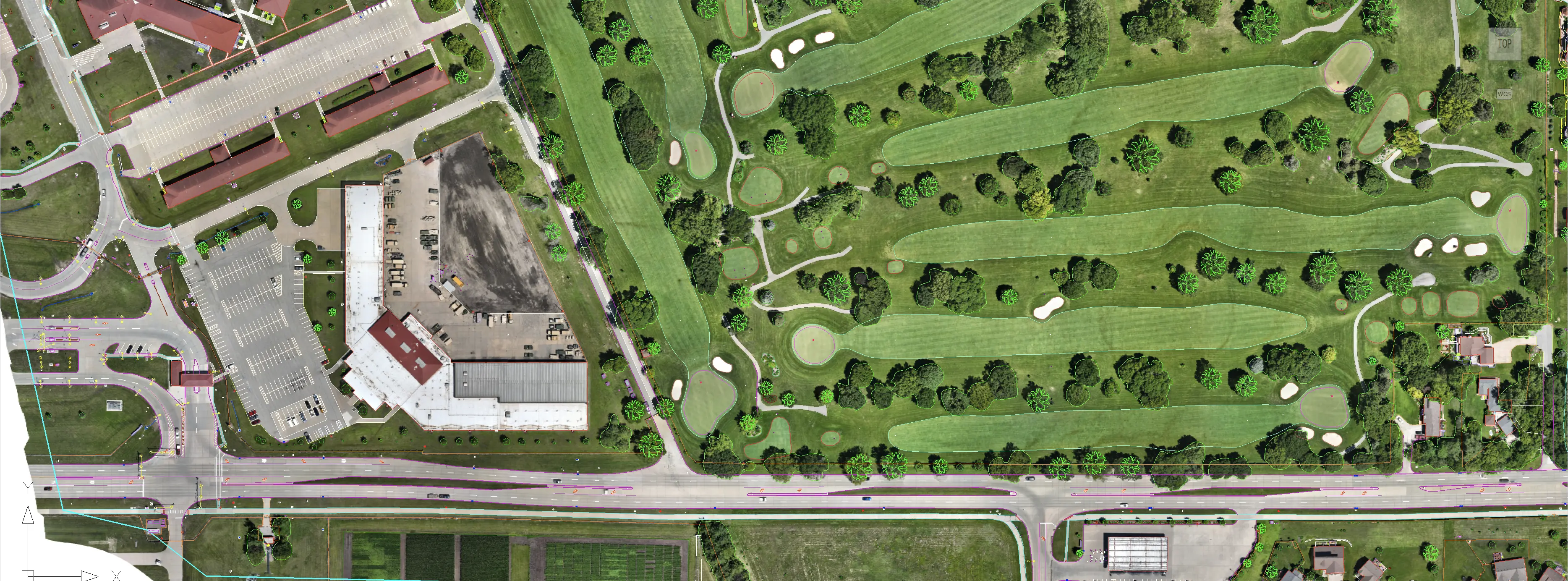
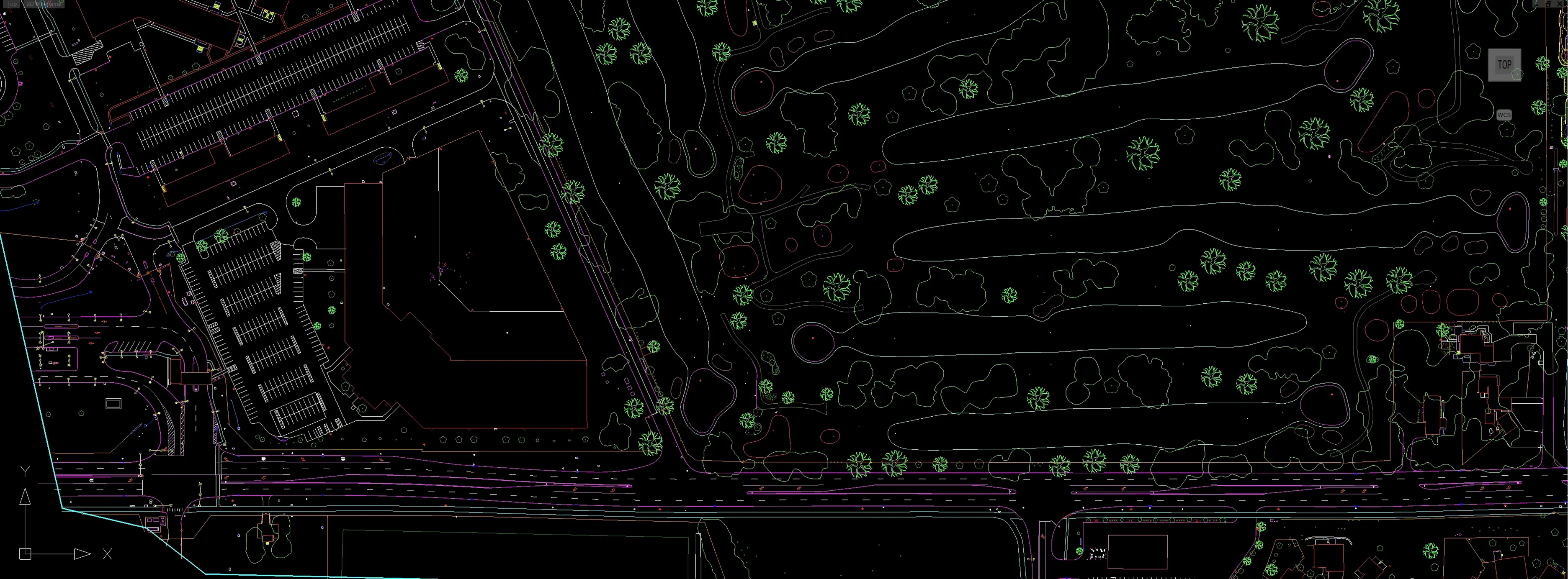
Learn how to submit a Work Order, what information to include, and how our CAD drafters return polished results—directly from your PixElement project.
What information should I include in the Work Order Notes?
First and foremost, you will want to specify the CAD standard and Feature Requirements you expect in the deliverable. The more detail you provide, the better your results.
Example: “Please digitize all permanent site features in accordance with NCS conventions and symbology. Include roads with centerlines, edges, and pavement markings; curbs and sidewalks; parking lots with parking space markings, striping, and drive aisles; built infrastructure including manholes, utility covers, streetlights, utility poles, fire hydrants, and electrical boxes; and tree locations represented as point features. Exclude any temporary elements such as construction barriers, cones, or temporary fencing.”
How fast will my Work Order be completed?
Turnaround times vary depending on project complexity, but most Work Orders are completed within 1-2 business days.
Who completes the drafting work?
All Work Orders are completed by CAD drafters who specialize in topographic, civil, and structural drafting. Each submission is reviewed for accuracy before delivery.
What file types can I request/will I receive?
FastDraft supports both 2D and 3D CAD deliverables in standard DXF and DWG formats, compatible with AutoCAD and other industry software.
How does the FREE Work Order Work?
Every Cloud or Desktop (Advanced) user gets one free Work Order under a set volume threshold. After receiving your free work order, subsequent orders will require a credit card entered upon submission.
How is pricing determined after the free order?
Pricing is based on area (acres or hectares) of the polygon requested. Upon drawing your polygon, an estimate will be shown, that way you will always know the cost before confirming a Work Order.
Can I request revisions?
An in-app chat feature is currently in development to have direct communication with the drafter for your project. For now and the near future, please contact our support via chat or email.
How are complex or multi-area projects handled?
For larger datasets or multi-area projects, FastDraft allows you to select multiple polygon areas within a single Work Order, ensuring each area receives individual attention and review.
Is my project data secure when using FastDraft?
Yes. All data transfers occur within PixElement's secure platform. Your imagery, models, and CAD files remain private and are only accessible to authorized drafting personnel assigned to your Work Order.